
DERELIKT on Steam Deck: Performance, Controls and Settings
How DERELIKT runs on Steam Deck: Proton, frame rate expectations, controller support and the settings that keep it playable.
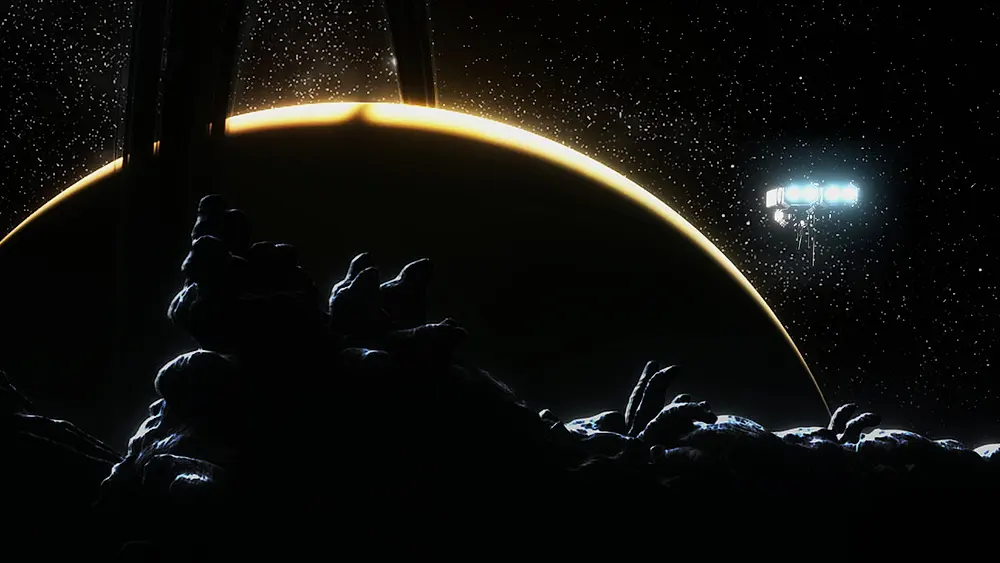
DERELIKT is a Windows-only release with full controller support, which makes Steam Deck the obvious handheld question. Valve has not issued an official Deck rating for the game, so everything below is based on the game's stated requirements, the controller support and what Proton does with the engine.
The short version: it should run, it should be playable, and the inventory grid is the part that suffers on a small screen.
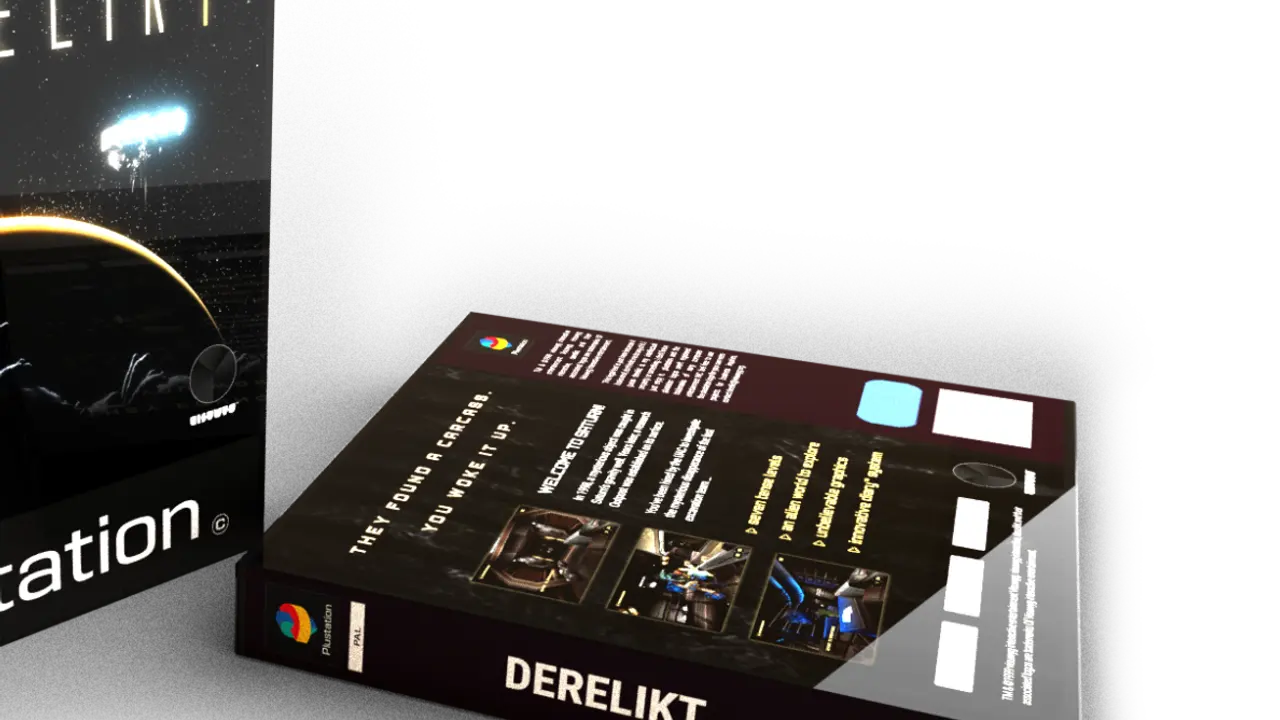
Battery life and the retro filter are the two settings that matter, and the beginner guide→ covers the rest of the options.
What we know for certain
- The store page lists Windows 10 64-bit only. There is no native Linux build.
- Full controller support is listed, with DualShock and DualSense glyphs.
- The game supports Steam Cloud through the standard Steamworks features.
- Minimum and recommended GPUs are both GTX 1060-class, with 8 GB RAM recommended.
The GTX 1060 target is good news for Deck: the Deck's GPU is in the same performance class at 800p, and a game built around a PS1 aesthetic is not pushing modern rendering features.
Expected performance
There is no verified Deck benchmark at launch. Based on the requirements and the game's rendering style, the realistic expectation is:
| Setting | Expectation |
|---|---|
| 1280×800, low | 40–60 fps in station levels |
| 1280×800, medium | 30–45 fps, dips in water scenes |
| 40 Hz / 40 fps cap | The most stable option |
| TDP limit | Not recommended; the water sections are CPU-light but GPU-heavy |
The coolant reservoir's flooded basins are the heaviest scenes because of the water and the stingray swarms. If you are sensitive to frame drops, cap at 40 fps and lower the water effects first.
Proton
The game runs through Proton, not a native build. Two notes:
- Use Proton Experimental or the latest stable. New releases tend to need the newest Proton for FMV playback. The game uses full-motion CGI cutscenes, which are the usual failure point for older Proton versions.
- Check the cutscenes first. If the intro FMV plays as a black screen with audio, switch Proton versions before you play further.
The game's use of pre-rendered cutscenes is the main compatibility risk. Gameplay itself is a straightforward DirectX title and Proton handles it well.
Controls
Full controller support means the game has a default gamepad layout, not just Steam Input emulation. That matters for the Deck:
- Movement and aiming are twin-stick.
- Inventory is a grid cursor, which is the weak point on a 7-inch screen.
- Weapon switching is on the d-pad.
- Flashlight has a dedicated bind.
- Save station interaction is a face button prompt.
The inventory cursor is small and the grid items are detailed. If you struggle to pick items, raise the Deck's UI scale or use the touchscreen for the grid; the game accepts touch input through Steam Input's mouse emulation.
Settings that help
- Retro filter off if you want a cleaner image on the small screen. The PS1 filter is optional and the Deck's panel makes dithering more visible.
- Texture warping off if it makes you queasy. The game exposes the option, and it does not affect gameplay.
- Resolution scale at 100% at 800p; the UI gets blurry below that.
- Motion blur off, especially in the water sections.
None of these settings affect achievements or difficulty.
Valve has not published a Verified or Playable badge for DERELIKT at the time of writing. Treat the game as "should work" rather than "confirmed".
Installing and testing on Deck
If the game does not appear in your library on Deck, install it from the store page on the Deck itself rather than a desktop; the Steam Cloud sync then pulls the save from the desktop.
The first launch is the compatibility test:
- Start the game and let the intro FMV play.
- If the video is black, change Proton under Properties → Compatibility.
- Load the first save and check the inventory grid with the touchscreen.
- Cap the frame rate at 40 Hz in the Deck's performance menu.
If the game crashes on the first level load, verify the files before trying a different Proton version. The most common launch-week crash was a shader cache issue, not a Proton issue.
Battery life
The PS1 aesthetic does not mean low power draw. The game renders at 800p with modern effects, and the water sections are the heaviest. Expect around two hours on the LCD Deck and slightly more on the OLED, with a 40 fps cap.
Lowering the TDP to 10 W helps in station levels and hurts in the coolant section. A per-scene profile is more trouble than it is worth; use the 40 fps cap and accept the dips.
FAQ
Is DERELIKT Steam Deck Verified? No official rating at launch.
Does it run on Linux natively? No. Proton only.
Do the controls work out of the box? Yes, full controller support with a default gamepad layout.
Is the inventory usable on Deck? It works, but the grid cursor is small. Use the touchscreen if you struggle.
ProtonDB is the only public source of Deck reports for the game, and the entries are still thin at launch week.
Sources and further reading
The pages below are the sources this guide checks against. The store page and the developer's post are primary; the reviews are secondary and are used for enemy names, weapon names and the state of the game at launch.
- DERELIKT on Steam ↗ — the store page, system requirements and the 27-achievement list.
- Visuwyg's announcement post ↗ — the developer's own description of the outpost and the PS1 rendering work.
- DERELIKT on ProtonDB ↗ — player-reported Proton compatibility and launch options.
Official source: Visuwyg — DERELIKT announcement post ↗, 8 September 2025.
"grafted onto an anomalous derelict asteroid in orbit around Saturn" — Visuwyg, DERELIKT announcement post, 2025